
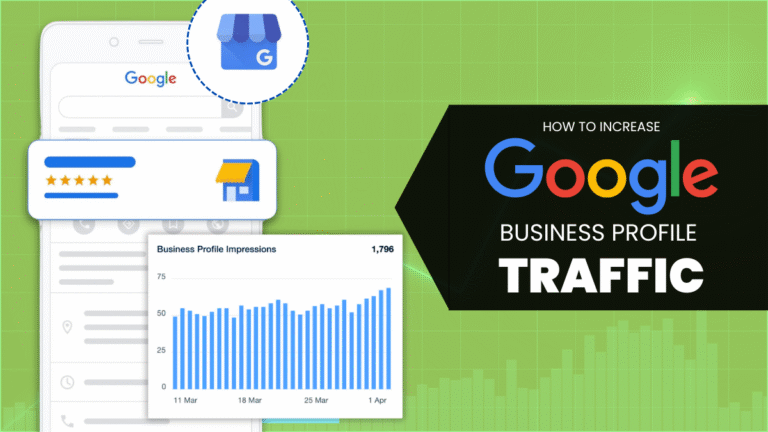
Are you struggling to attract more visitors to your Google Business Profile?
You’re not alone, and the good news is, KodeGurus is here to help! We’ve compiled a list of six genius (yet easy-to-follow) steps that will elevate your Google Business Profile optimization efforts and drive more eyes to your page.
From the basics of getting listed to leveraging smart updates, these tactics will help you stand out and grow your visibility online.
Why Google Business Profile Optimization Matters?
In today’s local SEO landscape, your Google Business Profile is often the first impression potential customers have of your brand. A fully optimized profile doesn’t just improve visibility, it builds trust, increases engagement, and ultimately drives more conversions.
Whether you’re a local shop, a service provider, or an e-commerce brand with a physical presence, taking full advantage of this free Google tool can give you a serious edge.
These are the Essential Steps You Should Follow
1. Add Your Business to Google
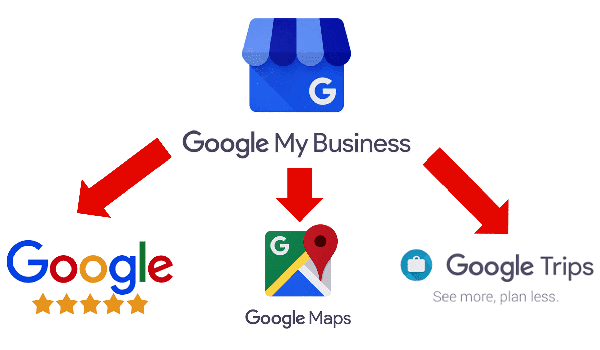
The first (and most crucial) step in boosting traffic is to ensure your business is listed on Google. It sounds simple, but it’s often overlooked, especially by small business owners.
Example: Let’s say you own “Sweet Treats Bakery” in Brooklyn. If you don’t claim and verify your Google Business Profile, people searching for “birthday cakes near me” or “Brooklyn cupcakes” won’t find you, even if your shop is just around the corner.
By listing your business and verifying ownership, you make your brand discoverable on Google Search and Maps, opening the door to local visibility and new customers.
2. Optimize Your Google Business Listing
Once you’ve claimed your profile, it’s time to fill it out completely and accurately. This includes:
- Business name, address, and phone number (NAP consistency is key)
- Operating hours (including special holiday hours)
- Business description with relevant keywords
- High-quality photos and videos.
- Services and product listings
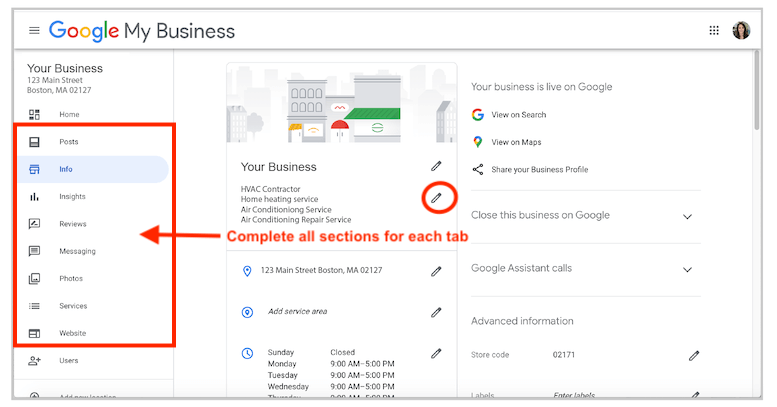
Example: A salon listing only “haircuts” may miss customers searching for “bridal updo,” “hair coloring,” or “kids’ haircut.” Add all the services you offer to appear in more relevant search results.
We help businesses write compelling descriptions, choose the right business categories, and upload professional images to strengthen their profile.
3. Encourage Reviews and Ratings
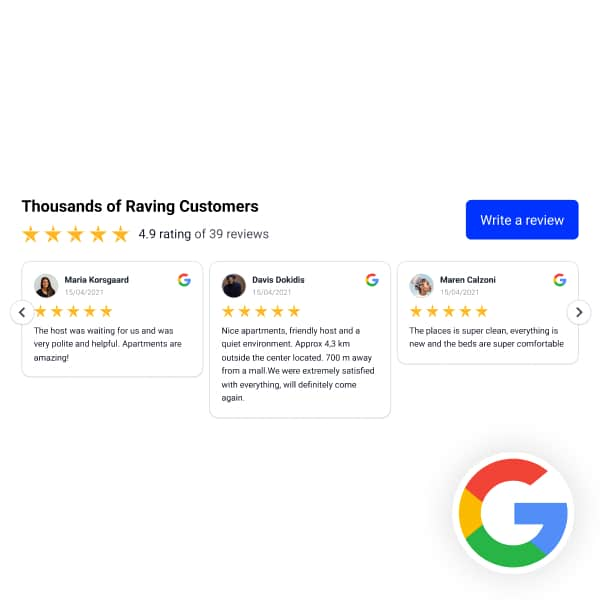
Customer reviews are powerful; they act as digital word-of-mouth and influence buying decisions. The more positive reviews you have, the more trustworthy and relevant your profile looks in Google’s eyes.
Example: A pizza place with 150 reviews and a 4.6-star rating is more likely to get clicks than a similar one with just 3 reviews.
Make it easy for happy customers to leave feedback by:
- Sending follow-up emails with a direct link to your profile.
- Asking about a successful service.
- Offering small incentives (where appropriate and within Google’s guidelines).
Also, you must respond to every review, whether it’s praise or a complaint. This shows professionalism and builds trust.
4. Utilize Google Posts
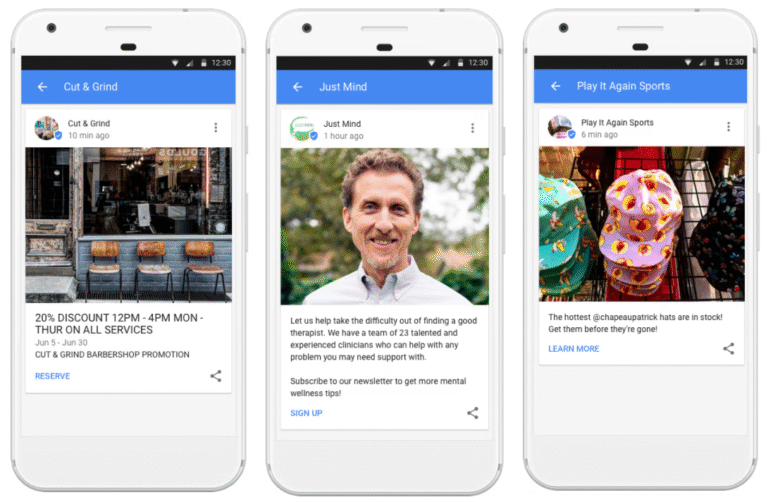
Google Posts are short updates that appear directly on your profile — and they’re a powerful yet underused feature.
You can use them for:
- Announcing a sale or event.
- Sharing new blog content or seasonal offers.
- Posting about community involvement or awards
Example: A dental clinic could post, “Back-to-School Special: Free Dental Checkup for Kids Under 12 — Book Before September 15!” This not only makes the profile dynamic but can directly lead to bookings.
KodeGurus creates customized Google Posts for businesses every week, helping them maintain a fresh and engaging profile that aligns with SEO goals.
5. Monitor and Update Regularly
An outdated Google profile can harm your credibility and hurt search visibility. Regular check-ins help you stay accurate and competitive.
Things to monitor:
- Business hours (especially during holidays).
- Photos that may be outdated or of low quality.
- Menu or service changes.
- Incorrect location pins on Google Maps
Example: If a customer drives 30 minutes to your restaurant only to find it closed (because the hours weren’t updated), that’s a lost customer — and probably a negative review.
Use tools like Google Insights to check how people find your profile, what actions they take (calls, directions, website clicks), and optimize accordingly.
KodeGurus provides ongoing profile audits and insights reporting to help businesses make data-driven updates.
6. Promote Your Google Business Profile
Don’t just wait for people to stumble upon your profile — actively promote it!
You can:
- Embed a “Review Us on Google” button on your website
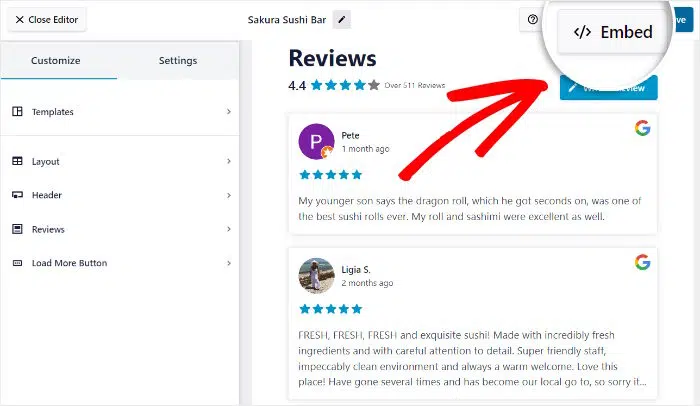
- Add a link to your profile in your email signature.
- Post about it on social media with a call-to-action (e.g., “Leave us a review!”).
Example: A real estate agent might add “Find me on Google” with a link in every email footer, making it easy for clients to check reviews and contact details.
At KodeGurus, we integrate your Google profile into broader marketing campaigns, including social media, newsletters, and SMS, to ensure it’s always within reach of your audience.
Final Thoughts
Getting more traffic to your Google Business Profile doesn’t have to be complicated. With these six genius steps from listing your business to posting updates and gathering reviews, you can easily elevate your local visibility and attract more customers.
Whether you’re a bakery, a plumbing service, or a law firm, these tips work across all industries. And if you need help putting it all into action, we are here to help you.
Let us help you unlock the full potential of your Google Business Profile. Contact KodeGurus today for expert optimization, review strategies, and local SEO support.